Features
What you can do
Roles
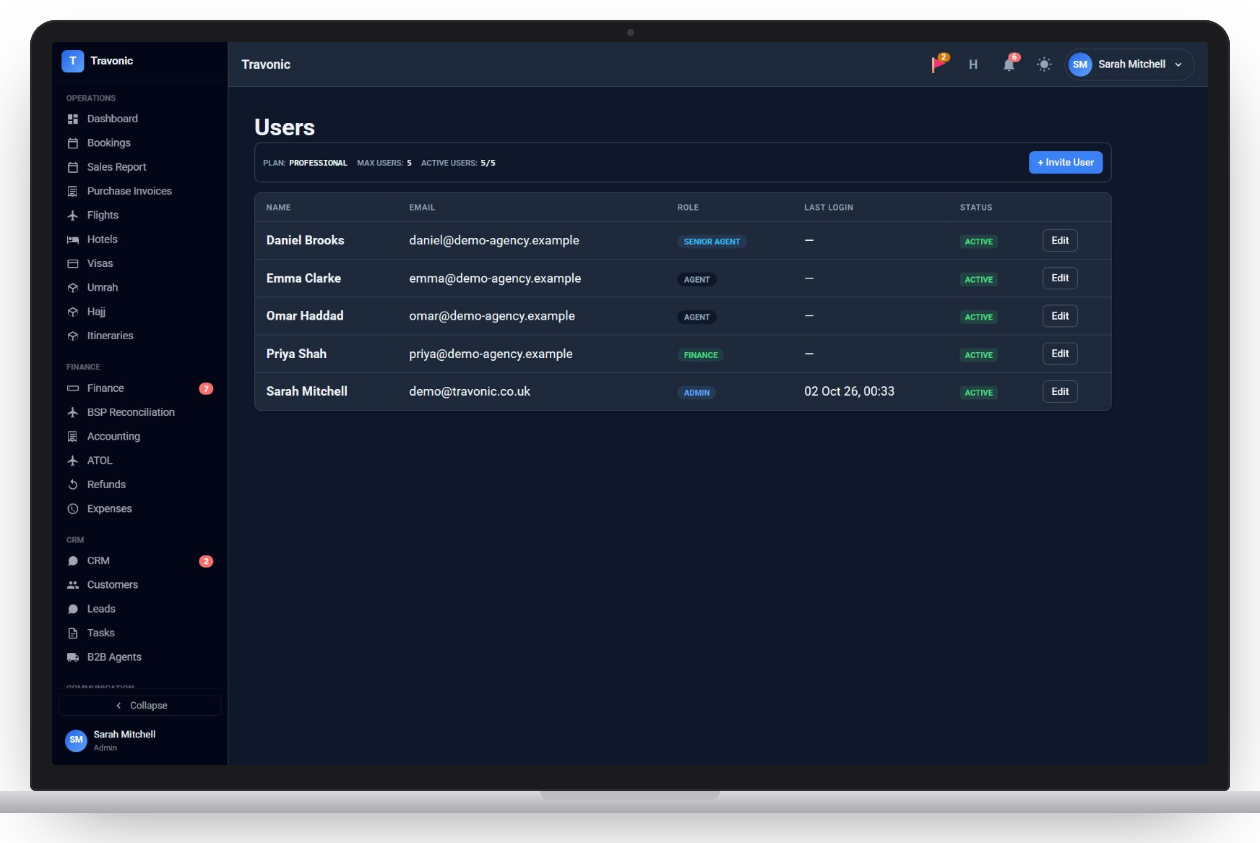
Admin, finance, senior agent, agent and read-only.
Invite and switch off
Invite staff by email, change roles and deactivate people who leave.
Two-factor sign-in
Each person can turn on two-factor authentication, and you can see login history.
Agency settings
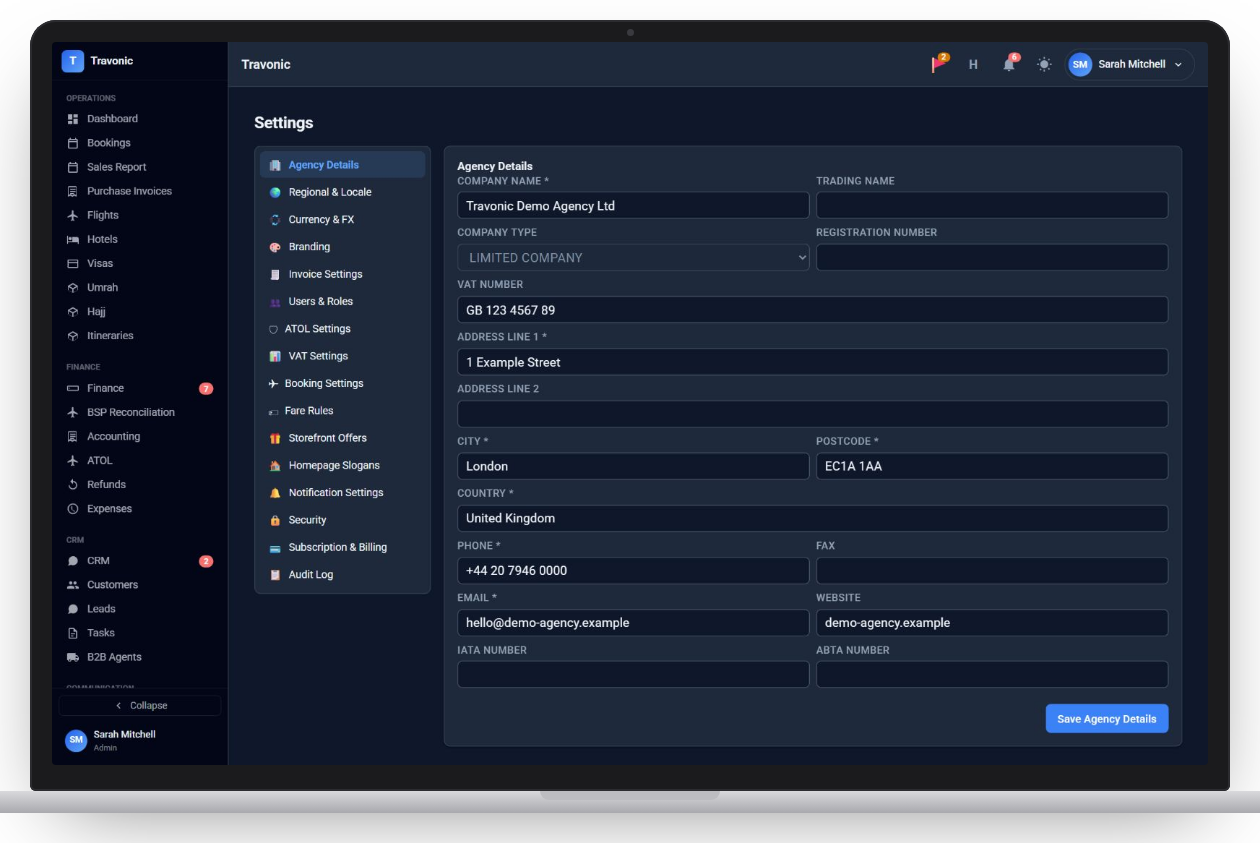
Company details, regional settings, currency and exchange rates, branding and invoice settings.
Compliance settings
ATOL and VAT details, booking rules and fare rules.
Audit log
A record of who changed what.
Staff, roles & settings
Agency settings with company details
Shown with sample data.
How it works
Staff, roles & settings in 4 steps
- Fill in your agency details
- Invite your staff
- Give each person a role
- Turn on two-factor sign-in
FAQ
Questions agencies ask
Anything else? Book a demo and ask us directly.
Can I stop agents seeing finance?
Yes. Finance screens such as approvals and the bank sit with finance and admin roles.
Is two-factor sign-in supported?
Yes. Staff can protect their account with an authenticator app.
Free demo
See Travonic with your own kind of bookings
A 30-minute walk-through, no obligation.
- Your flights, hotels and packages, not a generic demo
- Questions answered by people who run an agency
- Set-up help when you decide to go ahead